

Disclosure: This article contains affiliate links. If you sign up through them, we may earn a commission at no extra cost to you. This doesn't influence our review.
Note: Prices are in USD and were re-verified via official pricing pages and app stores in July 2026. Pricing and features change often, so double-check the source links before you buy.
The short answer: The best language learning apps for seniors are Copycat Cafe (best for speaking French, Latin American Spanish, Castilian Spanish, Italian, or German), Mango Languages (free through thousands of US public libraries), Pimsleur (best audio-only option), and iTalki (best for real human conversation partners). Choose based on your goal, not on which app your friends use.
Avoid: Heavily gamified apps with streak anxiety if you want calm, adult-friendly practice that builds toward real conversation.
This guide reviews ten popular language learning apps through the lens of what older adults in their 50s, 60s, 70s, and beyond actually need: calm interfaces, readable typography, clear grammar explanations, audio you can slow down, and a path toward real conversation rather than badges.
A few of the apps are free. A few are worth paying for. Duolingo, the most common starting point, is probably not the best pick for most older learners, and the Duolingo section below explains why.
Why trust this guide: I'm Nur, co-founder of Copycat Cafe. We make a language learning app, so we're biased about our own product. Every other app here is reviewed using official pricing pages, public user reviews, independent research on older adult learning, and the senior-specific checklist below. Full disclosure appears in the Copycat Cafe section.
What makes a language app actually good for seniors
Before the rankings, here is a senior-specific checklist you can use to judge any language app. The best language learning apps for seniors consistently meet most of these criteria.
It respects you as an adult. This is rule one. Cartoons that scold you. Mascots that cry when you miss a day. Language like "you're crushing it!" for identifying the color of an apple. A lot of apps were built with a 15-year-old audience in mind, and it shows. The best apps for older learners treat you like someone who has read books, run businesses, raised children, and can handle a grown-up explanation.
Audio you can actually hear. This means two things. First, real native-speaker recordings, not the synthetic text-to-speech voices that still pop up on many apps. Second, speed controls. Native French or Spanish at full pace is a wall of sound for a beginner of any age. Apps that let you slow audio down, then move back to normal speed when you're ready, are much kinder to an ear that is learning a new set of sounds.
Readable typography and sensible controls. Vision changes with age for most of us. Tiny fonts, low-contrast backgrounds, and buttons smaller than the tip of a finger are not accessibility problems only seniors face, but they hit older users hardest. Nielsen Norman Group's research on usability for older adults has been flagging this for years. The best apps let you increase text size without breaking the layout, use high-contrast color, and give you finger-friendly buttons.
Grammar that actually gets explained. Duolingo's approach is "figure it out from patterns." That can work for a teenager with years of time ahead of them. It tends to frustrate adult learners who have a working theory about how language works and want someone to confirm or correct it. The best apps for seniors explain the why, at least briefly, when they introduce something new.
No streak anxiety. The streak is designed to keep you opening the app, not to help you learn. Older learners tend to be self-motivated and don't need a cartoon owl guilt-tripping them into practice. Look for apps that celebrate showing up without punishing the days you miss.
Works on an iPad, ideally offline too. Older learners often prefer a larger screen. Apps with bigger tablet layouts, offline download of audio for trips or weak-signal areas, and the option to practice on a browser instead of a phone all score points here.
Builds toward real conversation, not a badge. This one is the most important. The goal isn't to finish an app's course. It isn't to collect badges. The goal is to order coffee in Oaxaca, speak with your son-in-law's family in Seoul, read your grandmother's letters in Polish. An app should be obviously moving you toward speaking, not toward a scoreboard.
Reasonable on a fixed income. Some of the best options for seniors are free. Some are worth a monthly subscription. Almost nothing is worth a five-figure "lifetime" package sold by phone.
Quick verdict: which app should you try first?
If you just want the short answer:
- Best overall for most seniors: Copycat Cafe, if your main goal is to actually speak.
- Best completely free option: Mango Languages, if your local public library offers it. Otherwise, Language Transfer.
- Best audio-only (good for driving or walking): Pimsleur.
- Best for real human conversation partners: iTalki.
- Best if you love structure and grammar: Babbel or Busuu.
- Best for casual daily habit-building: Duolingo, free tier, with realistic expectations.
At-a-glance comparison
| App | Best for | Starting price | Free option |
|---|---|---|---|
| Copycat Cafe | Speaking French, Latin American Spanish, Castilian Spanish, Italian, or German | 4.50/mo (annual) | 7-day trial |
| Mango Languages | Library cardholders, 70+ languages | $13.99/mo ($10/mo annual) | Free via library |
| Pimsleur | Audio-only, drivers and walkers | ~$21/mo | 7-day trial |
| Language Transfer | Curious learners, grammar lovers | Free | Always free |
| Babbel | Structured grammar, textbook feel | ~$8/mo (annual) | Free lesson |
| Busuu | CEFR levels, certification | From $5.83/mo (annual) | Free tier |
| Duolingo | Free daily habit | Free / $13.99/mo | Free tier |
| Rosetta Stone | Visual learners, immersion | $13.25/mo (annual) | 14-day guarantee |
| iTalki | Real human tutors | From ~$4/hour | Pay per lesson |
| Michel Thomas | Anxious beginners, audio-only | Varies | Samples |
Now, the full list with honest tradeoffs for each.
Copycat Cafe
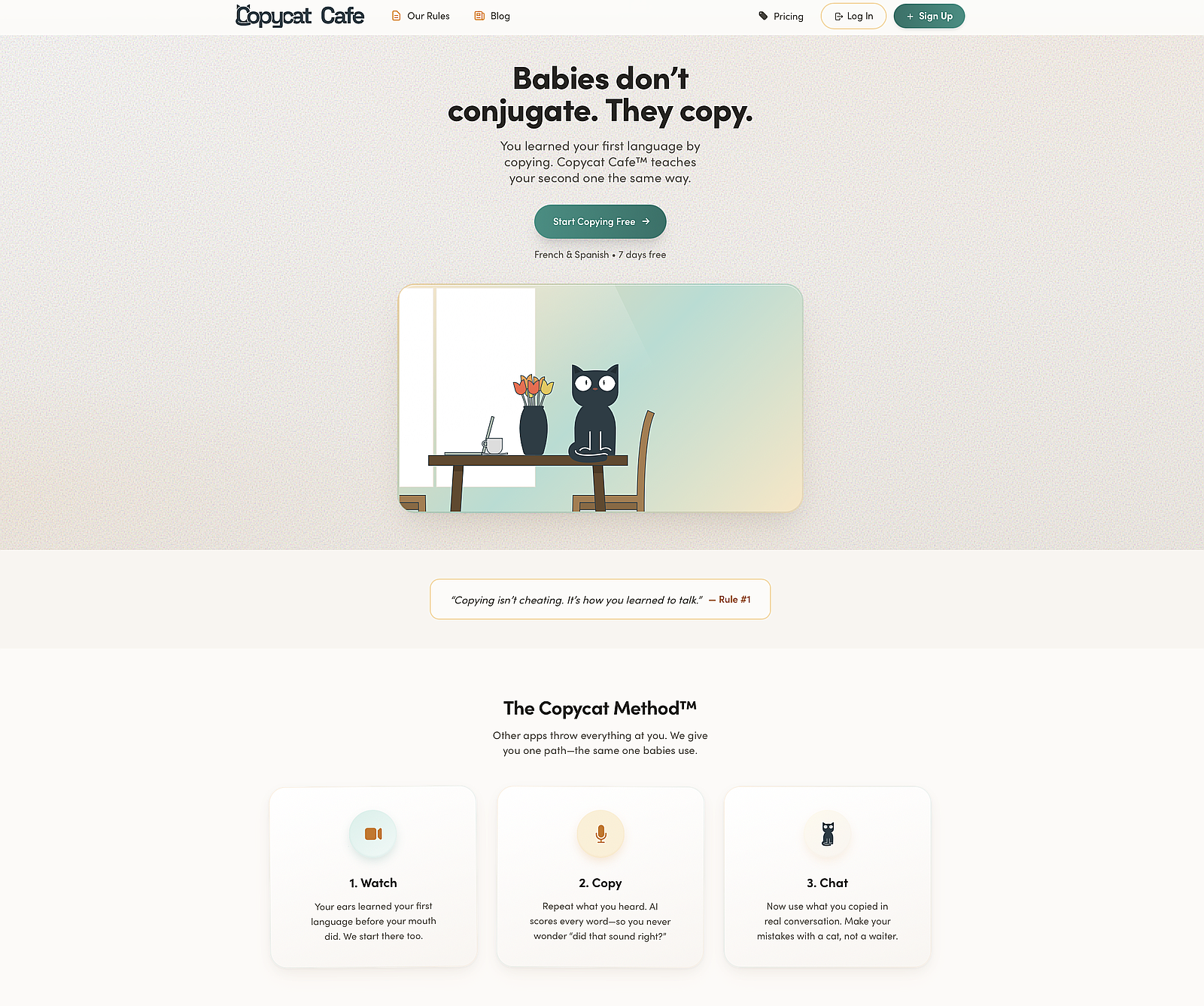
One-line verdict: The app that trains your mouth, not just your memory, with a calm, structured 15-minute daily ritual built around the way babies learn: copying.
Best for: Retirees who want to hold a real conversation in French, Latin American Spanish, Castilian Spanish, Italian, or German within a few months, and who are sick of earning badges in apps where their mouth never moves.
Price: $14.50/month billed annually ($174/year) or $29/month. Paid plans start with a 7-day trial. and a 30-day money-back guarantee; cancel in one click, no phone call required. See Copycat Cafe pricing.
Languages: French, Latin American Spanish, Castilian Spanish, Italian, and German.
What works well for older learners: The method is called Watch → Copy → Chat, and it's the kind of thing that makes intuitive sense to anyone who has ever taught a child to talk. You watch a short conversation, hear native speakers at normal and slow speeds, copy each phrase out loud with an AI score from 0 to 100 percent on your pronunciation, and then have a free conversation with an AI tutor using what you just learned. Each lesson is about 15 minutes.
There are no streaks to protect. Your lifetime "days practiced" count only goes up, never down. The mascot, a cat named Copy, encourages you without scolding when you take a break. The voices are cloned from real native speakers, which means you hear the rhythms and shortcuts of real speech, not the flat synthetic pronunciation that still haunts other apps.
For older learners specifically, a few details matter. Audio has a slow mode. Every phrase can be replayed without penalty. Every sentence gets pronunciation feedback, which is especially useful when you're starting over with unfamiliar sounds. And you can practice on a phone, an iPad, or a laptop browser, whichever is comfortable.
What's good about Copycat Cafe
- The app includes an AI pronunciation checker that accurately scores your pronunciation (0 to 100%) and gives you specific feedback on what to fix.
- Dialogues can be listened to at the speed real native speakers would talk, as well as in a slowed-down version — a real relief for ears still adjusting to new sounds.
- The app features native speakers of different origins across French, Latin American Spanish, Castilian Spanish, Italian, and German, so you aren't just listening to one or two voices speaking a textbook version.
- You can see lines of dialogue in their written form too — helpful for visual learners.
- As you work, the app also has helpful windows of information about grammar and vocabulary that you can choose to read or ignore.
- The structured curriculum means complete beginners can start from day one — unlike most AI chatbots that require intermediate level to be useful.
Real results from Copycat Cafe users:
Had to take a FIDE test here in Switzerland to renew my resident permit and passed B1 oral A1 written with 92 and 95 percent pass rates. No way would have achieved that without this course.
— Chris H., Switzerland
This course has given me more confidence in my pronunciation and usage. I really only had about 7 weeks and already felt more confident speaking.
— Rebecca S., United States
What's honestly not great: The language selection is limited to French, Latin American Spanish, Castilian Spanish, Italian, and German. If you want Mandarin or Polish, this isn't your app yet. Grammar is taught contextually rather than in dense written explanations, so if you want a textbook feel, pair it with something like Busuu or a used copy of Easy Spanish Step-by-Step. And it's a subscription at a mid-market price, more than Duolingo's free tier but less than a Pimsleur All Access annual plan.
Full disclosure: I co-founded Copycat Cafe with my partner, Benjamin. Everything written here is our honest view, and if another app is clearly a better fit for your specific goal, you'll see us recommend it below.
Bottom line: If your goal is speaking French, Latin American Spanish, Castilian Spanish, Italian, or German, and you want a calm, structured ritual that respects your time, Copycat Cafe is the strongest match for most older learners. Copy your first conversation.
Mango Languages
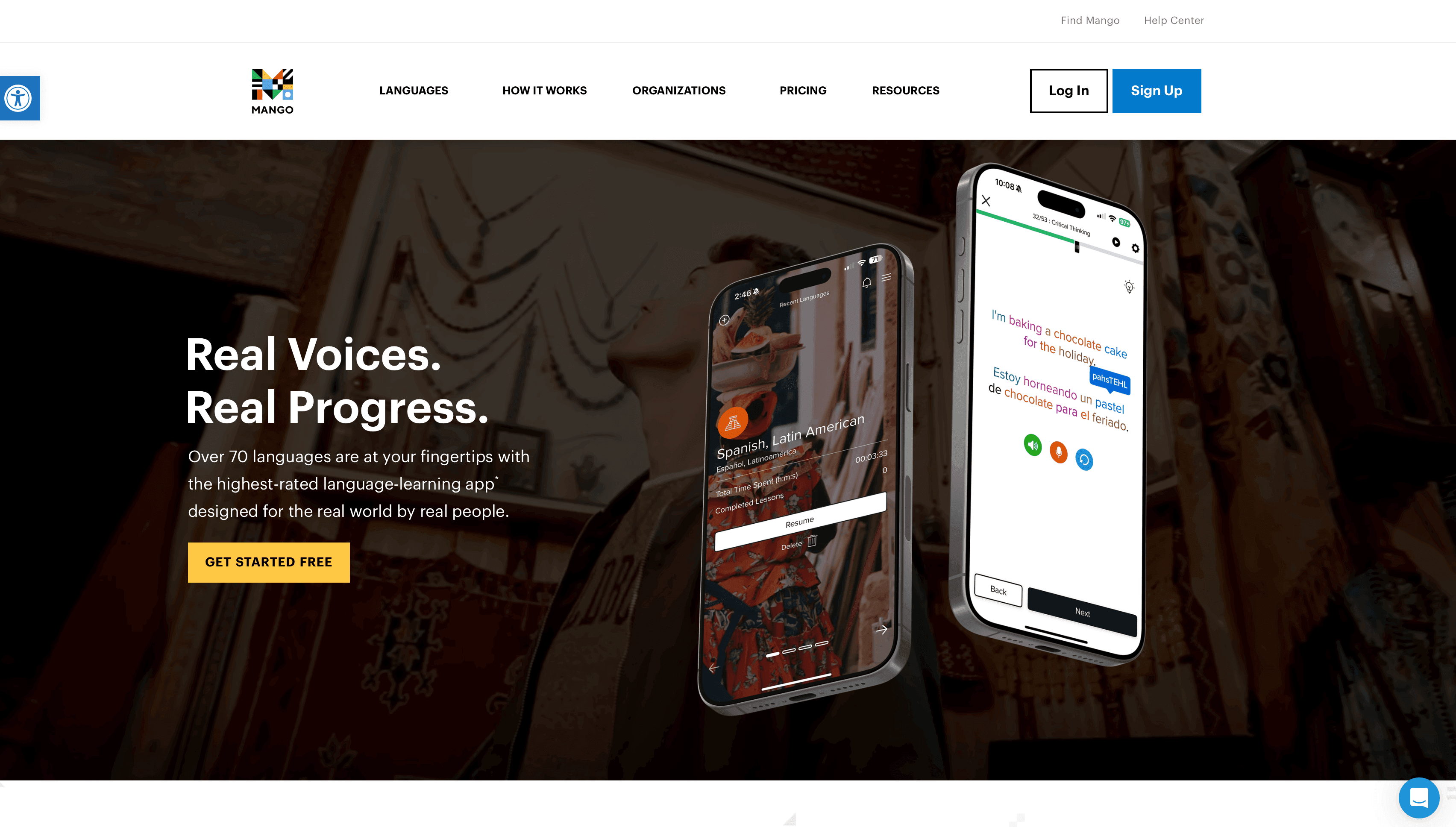
One-line verdict: A solid conversation-based app that's completely free if your public library offers it, which thousands do.
Best for: Retirees on a fixed income, heritage-language learners exploring a less common language, and anyone who wants to try several languages before committing to one.
Price: Free with a library card at participating libraries (thousands of US public library systems offer it). Individual plans are $13.99/month, or $119.99/year (about $10/month), per Mango's own pricing page, though check the site for current rates.
Languages: 70+ languages, including many that other apps don't offer, like Tagalog, Yiddish, and Cherokee.
What works well for older learners: The big thing here, the thing that gets surprisingly little coverage in senior-focused roundups, is the library angle. If you have a library card from most mid-sized or larger US public libraries, Mango is yours for free, forever, for as many languages as you want to try. That's a hard-to-beat deal for anyone on a fixed income. Use Mango's library finder to check whether yours is one of them.
The method itself is conversation-first and uses cultural notes well. For older learners, the pace is unhurried, the typography is readable, and the language selection is hard to beat for heritage learners trying to reconnect with a grandparent's language.
What's honestly not great: It's not the strongest speaking practice app. Speech recognition is present but not a standout feature. The interface feels a bit dated compared to slicker competitors. And the free access depends on your library; if you're in a rural area or a library that doesn't participate, the $13.99/month plan (about $10/month billed annually) is fine but no longer "the free one."
Bottom line: Before paying for anything, try your library's Mango access. It is one of the best-kept secrets in language learning and it costs you nothing but a library card.
Pimsleur
One-line verdict: The granddaddy of language audio, still effective for older learners who prefer listening to staring at screens.
Best for: Seniors who commute, take daily walks, or want to learn with their eyes closed in a comfortable chair; also great for anyone with vision issues that make screen-first apps tiring.
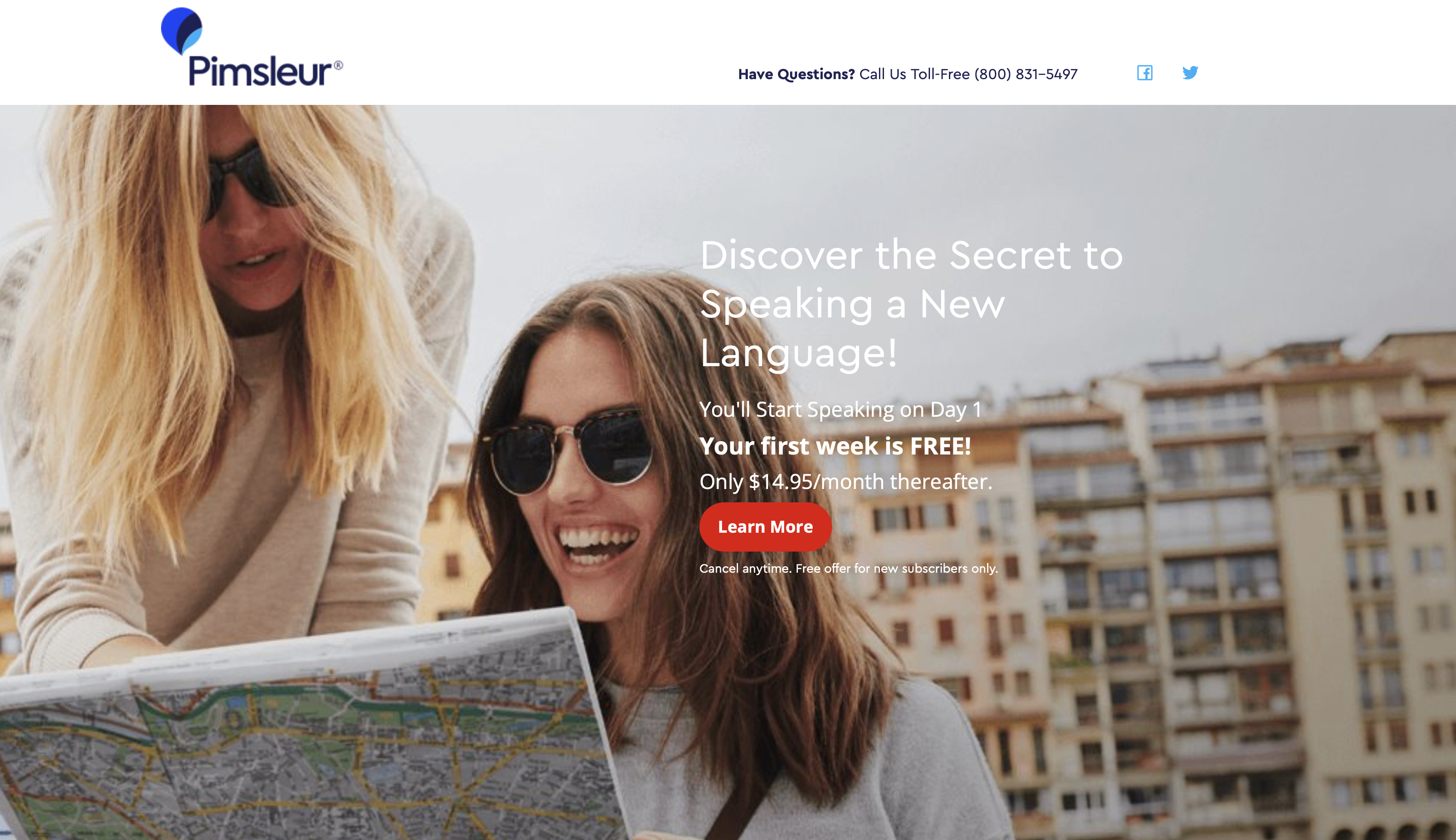
Price: Premium Monthly runs around $20/month for one language, All Access around $21/month for all 51 languages. Annual plans run roughly $150/year (Premium) to $165/year (All Access). 7-day free trial. Family sharing is available on paid plans. See Pimsleur pricing.
Languages: 51, including Latin American and Castilian Spanish as two separate courses. Few apps take that distinction as seriously.
What works well for older learners: Pimsleur has been doing this since the 1960s, and for good reason. The method is built around listening and repetition, with an English-speaking instructor walking you through a guided half-hour conversation. You don't need to look at a screen. You can do a lesson while driving to the grocery store, walking the dog, or making dinner.
For older learners who find screen-heavy apps fatiguing, Pimsleur's audio-only format is a real advantage. The pronunciation gets drilled into your mouth through pure repetition, which is particularly helpful for ears adjusting to a new set of sounds.
What's honestly not great: Lessons are 30 minutes each. That's fine if you have a predictable 30-minute commute or walk; it's annoying if you wanted a quick 10 minutes before bed. There's no slow-speed control in the audio-only lessons (Premium's practice tools do let you slow the audio to three-quarter or half speed). The basic version also has no lesson transcripts, which some learners really want. And the vocabulary you build is narrower than what you'd get from a more varied app, because audio-only repetition simply covers less ground.
Bottom line: Pair Pimsleur with anything visual (Babbel, Busuu, or Copycat Cafe) and you get one of the strongest combinations available. On its own, it's great for building pronunciation confidence but won't carry you to rich conversation by itself. For a deeper look, see our full Pimsleur review or our Pimsleur vs Duolingo comparison.
Language Transfer
One-line verdict: A beautifully explained free audio course that treats you like a thinking adult.
Best for: Curious, patient seniors who want to understand how a language works, not just memorize phrases, and who aren't afraid of a less polished interface.
Price: Free. Really free. No ads, no sign-up, no upsell — and there's now a free mobile app too. See Language Transfer's courses.
Languages: Complete Spanish (90 lessons), full courses in Greek and Swahili, an unfinished Complete German, plus introductory courses in French, Italian, Turkish, and Arabic, with more in development.
What works well for older learners: Mihalis Eleftheriou, the creator, explains language the way a very smart friend would. He builds up your understanding of Spanish grammar and structure step by step, using the words English and Spanish share as a bridge, and he expects you to think along with him. For adult learners with any curiosity about how language works, it's satisfying in a deeper way than "good job, here's a streak freeze."
It's audio-first, so it pairs well with a walk or a commute, and the 20-minute suggested daily dose is humane. And did I mention it's free? It's run as a labor of love.
What's honestly not great: The catalog is small compared to paid apps. Complete Spanish is the flagship; French and most others are introductory-length only. There's no gamification at all, which some people will love and others will find too plain. And there's no pronunciation scoring, so you'll need something else to check your accent.
Bottom line: If you want to understand Spanish, not just parrot it, start here. Free, patient, and grown-up. Pair it with pronunciation practice from Copycat Cafe or Pimsleur and you have a near-ideal combination.
Babbel
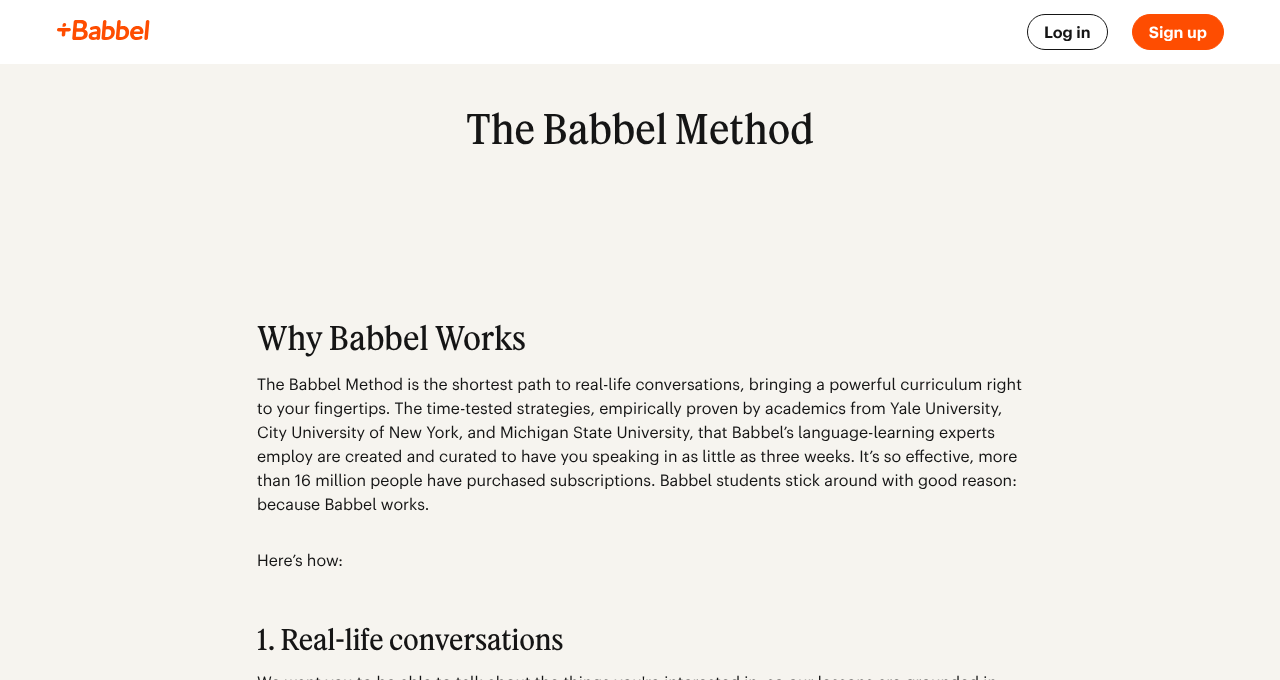
One-line verdict: A well-built structured course with 10 to 15 minute lessons, solid grammar notes, and separate Latin American and European Spanish tracks.
Best for: Older learners who liked textbook-style classes in school and want that feeling in an app.
Price: Around $14.99/month month-to-month, or roughly $96/year for a single language (about $8/month), with multi-language and lifetime plans also available. Sales are frequent, so the effective price can be lower. See Babbel's pricing for current rates. 20-day money-back guarantee.
Languages: 13, including separate Spanish (Mexico) and Spanish (Spain) courses. The Spain course currently runs deeper into advanced material than the Mexico one, so pick the dialect that matches your goal.
What works well for older learners: Babbel lessons feel like a friendly night school. They're short, varied, and include small explanations of grammar as you go. The exercises mix dialogue, writing, word scrambles, and now some AI-assisted speaking practice through "Babbel Speak."
For older learners, two things stand out. The lessons are a comfortable 10 to 15 minutes, which fits a morning-coffee routine. And the grammar notes, which Duolingo largely lacks, answer the "but why?" questions adult learners love to ask.
What's honestly not great: There's no option to slow down the native audio, which is a real miss for beginners. There are no dialogue transcripts. And Babbel discontinued its live group classes for individual learners in 2025 (they're now offered only through Babbel for Business). And if you're learning Latin American Spanish and want to push into higher intermediate or advanced material, you'll likely hit a ceiling and need to supplement.
Bottom line: Strong, grown-up, reasonably priced. If you love structure more than conversation-first practice, Babbel is a solid pick. Pair it with Pimsleur for pronunciation if you can. For a deeper look, see our full Babbel review or our Babbel vs Duolingo comparison.
Busuu
One-line verdict: A CEFR-structured Spanish course with clear grammar chapters, community feedback, and (on iOS) some AI conversation practice.
Best for: Older learners who want to track progress against the official European (CEFR) levels, or who like having a formal end-of-level certificate to show they finished.
Price: Premium starts at $9.99/month billed monthly, with 12- and 24-month plans bringing the effective rate down to roughly $5.50 to $6 per month; the Premium Plus tier runs $13.99/month billed monthly and drops similarly on longer terms. Exact pricing varies by region and promotion. 7-day money-back guarantee. See Busuu's pricing for current rates.
Languages: 14, with Spanish going through the upper CEFR levels.
What works well for older learners: Busuu's grammar chapters are clear and well organized. You can jump to any topic that trips you up, which is great for adult learners who already have partial knowledge from a school class decades ago. There's also a community feature where native speakers can leave feedback on your recordings, which is unusual in this category and surprisingly motivating for some learners.
What's honestly not great: Lessons are short (5 to 10 minutes each) and don't always give you enough repetition to lock things in. Reviewers commonly note that the exercise variety can feel thin after a month or two of use. And its AI conversation practice (Busuu Conversations) is a mobile-only feature (iOS and Android) that requires the pricier Premium Plus tier.
Bottom line: If you want a structured grammar course with a real sense of progression, Busuu earns its place. The CEFR alignment is a bonus if you're the kind of learner who likes measurable milestones. For a deeper look, see our full Busuu review.
Duolingo
One-line verdict: The most famous language app for a reason, but many older learners outgrow it within a few months.
Best for: Seniors who want a zero-cost daily habit-builder and don't yet need to have real conversations.
Price: Free for all courses. Super Duolingo removes ads and adds some extras at $13.99 per month, or $95.99 per year at the standard rate, with big promotions (especially around New Year) cutting the annual plan roughly in half. A family plan covers up to 6 people for $119.99 per year. Check the current rate on the Duolingo pricing page. Free trial of Super Duolingo (usually 14 days, sometimes 7 depending on region).
Languages: 40+ across its full catalog. Spanish is one of the most developed courses.
What works well for older learners: It's free. It's clean. It's easy to start. Lessons are short. And the app itself is widely recognized, which means your grandkids can help you set it up without a learning curve. For building a daily habit with zero financial risk, it's an honest starting point.
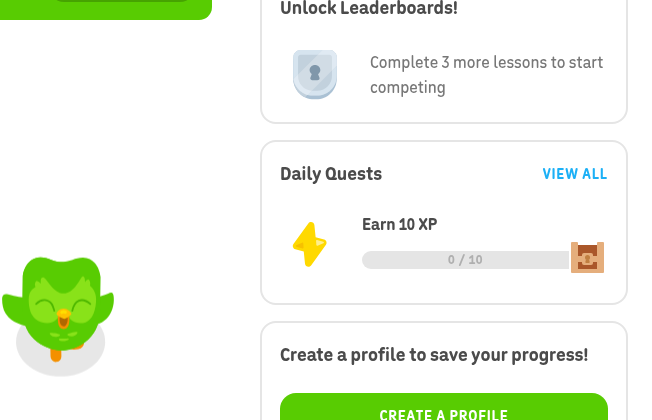
What's honestly not great (especially for seniors): The streak is a textbook example of design that serves the app, not the learner. Missing a day triggers guilt-inducing notifications, the mascot cries, and "streak freeze" counts are limited. Older learners often report feeling anxious rather than accomplished after using the app.
More substantively, the vocabulary is famously quirky and unhelpful for real life (the "purple elephant" sentences are a common complaint), the grammar is under-explained, and the speaking practice is thin. Long-time users frequently report that they still can't hold a basic conversation after a year in the app.
If you want to use Duolingo, a reasonable approach is to use it as a vocabulary warm-up for 10 minutes a day, ignore the streak aggressively, and add a speaking-focused app once you've built some base vocabulary.
Bottom line: Fine for habit, weak for speaking. Don't let it make you feel bad. For a deeper look, see our full Duolingo review, the question does Duolingo actually work?, and our best Duolingo alternatives roundup.
Rosetta Stone
One-line verdict: The old guard of language software, now a modern app, with separate Latin American and European Spanish courses and strong speech recognition.

Best for: Seniors who learn well from images and context, and who don't mind slower, more formal dialogues.
Price: $19.99/month billed monthly, or $159/year ($13.25/month) — and every subscription now includes all 25 languages. Lifetime plans still show up in sales, typically around $149 to $199. 14-day money-back guarantee. See Rosetta Stone pricing for current rates.
Languages: 25, with separate Latin American and Castilian Spanish courses.
What works well for older learners: Rosetta Stone's no-translation method (you match images to words and phrases) works well for visual learners and can be pleasant to sit with. The TruAccent speech recognition gives useful pronunciation feedback. And the separate Spanish courses mean you can get pronunciation and vocabulary that match your travel destination. The newer Chat Missions feature also adds guided AI conversation practice, which chips away at the old complaint that Rosetta Stone never made you actually converse.
What's honestly not great: The audio dialogues are slower and more formal than real speech, which makes the jump to real Spanish jarring. Grammar explanation is minimal. And live tutoring is a separate purchase on top of the subscription (sold in packages of 5 or 10 sessions).
Bottom line: Better suited to patient visual learners than to people in a hurry to speak. The lifetime deal, if you're patient for a sale, makes it a reasonable long-term investment. For a deeper look, see our full Rosetta Stone review or our Rosetta Stone vs Duolingo comparison.
iTalki
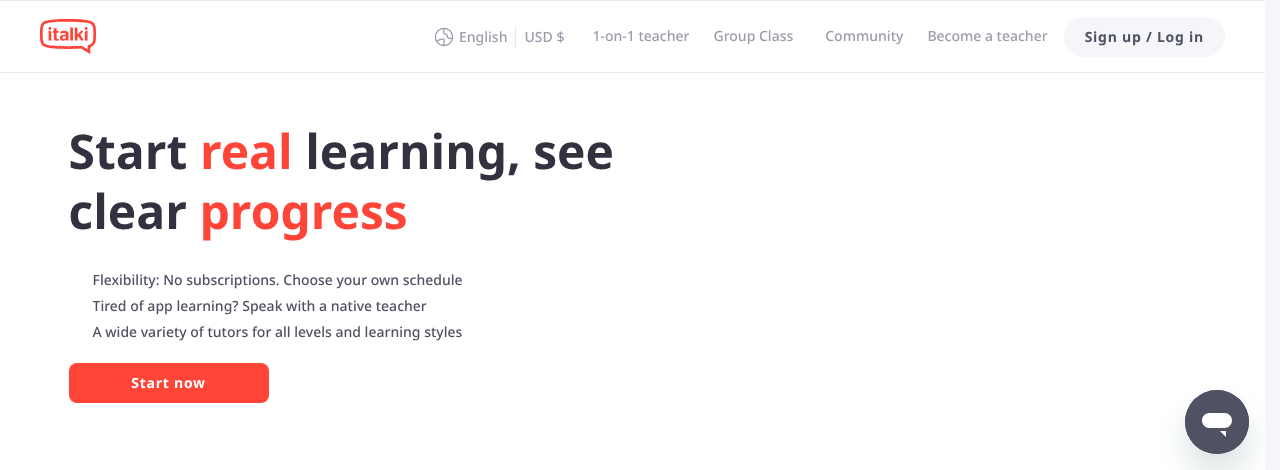
One-line verdict: A global marketplace of tutors. Not an app in the usual sense, but one of the single most effective things an older learner can do.
Best for: Seniors who have plateaued on an app and need real conversation, or who simply prefer people to software.
Price: Varies by tutor. Community tutors can start as low as $4 per hour and typically run up to $20 per hour; professional teachers generally charge more. No subscription. See iTalki.
Languages: Essentially all of them, with thousands of Spanish tutors and similarly deep rosters for French, Italian, Mandarin, and more.
What works well for older learners: You pick your tutor. You can filter by accent (Mexican, Colombian, Argentine, Castilian). You can find someone who is kind, patient, and close to your age. You can schedule around doctor's appointments, grandkid visits, and travel.
A common pattern for older learners who make steady progress looks like this: 15 to 20 minutes a day on an app, plus one or two iTalki sessions a week. The app builds the vocabulary; the human conversation makes it stick.
What's honestly not great: It requires internet, a webcam, and a block of time on your calendar. Tutors vary, so the first few might not be a great fit, and there's a small learning curve to booking. There's no gamification, no badges, no streak. For some people, that's a selling point.
Bottom line: If you can afford one or two hours a week, iTalki is one of the single most useful additions to any language learning routine, at any age. For a deeper look, see our full iTalki review.
Michel Thomas Method
One-line verdict: A gentle audio-only method that forbids memorization and homework, built around the feeling of easy, stress-free learning.
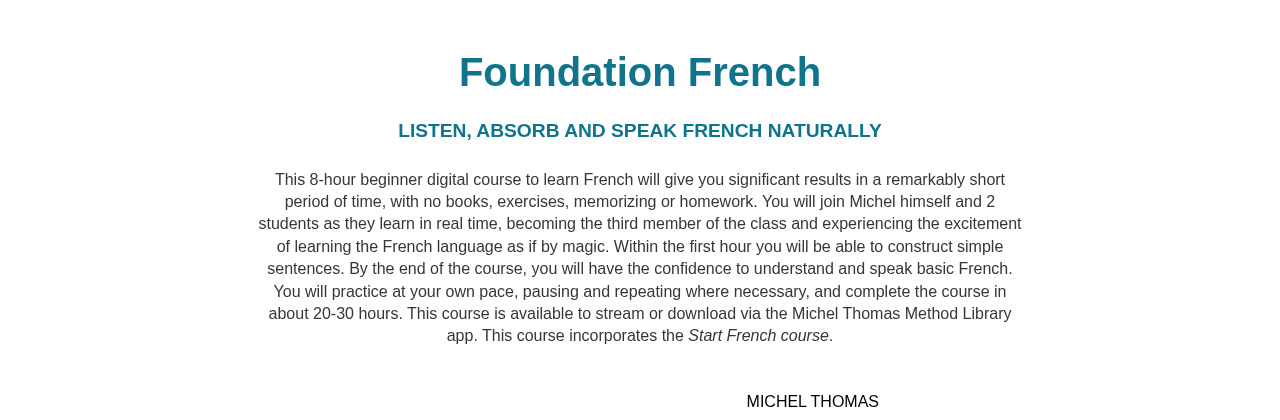
Best for: Older learners who are anxious about "doing it wrong" and want a warm teacher in their ear telling them it's fine.
Price: Digital courses are available through the Michel Thomas Language Library app and third-party sellers. Pricing varies by retailer and bundle, so check the official site or Amazon for current options before buying.
Languages: French, Spanish, Italian, German, and several others.
What works well for older learners: The method is unusually relaxing. The instructor builds sentences with you and takes all the pressure off. In the original French, Spanish, Italian, and German courses that instructor is the late Michel Thomas himself; the other languages use teachers trained in his method. No pop quizzes, no flashcards, no fill-in-the-blank tests. For learners who have been scared off by strict or nagging apps, this can feel like a different world.
What's honestly not great: You'll hit a ceiling fairly quickly. The method is strong for getting comfortable, weaker for building real range. The audio uses a lot of English to explain, which speeds up comprehension but slows immersion.
Bottom line: A lovely entry point for anxious beginners. Pair it with something else once you're comfortable, and don't expect it to take you all the way to fluency on its own.
Why Copycat Cafe works for older learners (a closer look)
Since I mentioned that Copycat Cafe is often the strongest match for seniors who want to speak, I want to unpack why without turning this into a sales page.
The method is called Watch → Copy → Chat. Each 15-minute lesson follows the same three-step path. It's the opposite of the "do whatever exercise the algorithm hands you next" approach.
Watch is the listening step. You hear a real conversation between two native speakers. The text is blurred at first so your ears get the sounds before your eyes lock in a mispronunciation. (Linguists call this orthographic interference: if you see "croissant" spelled out, English speakers tend to say it wrong. Hear it first, and your mouth has a better chance.) For older learners, this matters because adult ears often resist unfamiliar sounds. Starting with listening, at normal and slow speeds, gives your ears the runway they need.
Copy is the speaking step. You repeat each phrase out loud, and an AI gives you a pronunciation score from 0 to 100 percent. The score isn't a grade. It's a compass: "say it again, but open your mouth more on this vowel." For older learners, this is especially useful. You don't need to guess whether you sound French; the app tells you, kindly and specifically. And nobody is listening except you.
Chat is the conversation step. At the end of every lesson, you have a free conversation with an AI cat (yes, a cat) using the phrases you just practiced. It's the difference between knowing the word for "eggs" and actually ordering them. For older learners with travel goals or family they want to talk to, this is the bridge that turns study into speech.
There's also a quieter design choice that matters a lot for older adults: the app doesn't punish rest. Your lifetime "days practiced" count goes up and stays up. If you miss three days because you're visiting grandchildren, the mascot welcomes you back, it doesn't cry. Compared to apps built to keep teenagers hooked, this feels like being treated like an adult.
The method follows a few of the principles we built the app around: listening first because your ears have to learn the language before your mouth can, copying out loud even when it feels rough because that is how real speech is built, and making conversation (not a test score) the point of every lesson. If any of those ideas clicked when you read them, the app is probably a good fit.
One last note, this one about price. Copycat Cafe costs more than Duolingo's free tier and less than a Pimsleur annual plan. If your budget is tight, start with Mango via your library or Language Transfer for free; they're both excellent. If you can justify $14.50 a month for something you'll use most days, and your goal is speaking, it's worth exploring the 7-day trial to see whether the ritual sticks.
Common mistakes seniors make when choosing a language app
The four most common mistakes older learners make when choosing a language app, and how to avoid them.
Picking the one your friend uses. The most common path into a language app sounds like "my neighbor uses Duolingo, so I'm using Duolingo." Your neighbor's goals may have nothing to do with yours. If she wants a fun daily habit and you want to speak with your son-in-law's parents at a wedding, you need different tools. Pick for your goal, not because everyone else uses it.
Falling for gamification. Streaks, points, hearts, crowns, leagues. These are tricks borrowed from mobile games. They have almost nothing to do with how adults learn languages. If an app's home screen looks like a slot machine, be suspicious. The best language learning apps for seniors I recommend above tend to have calmer, more adult interfaces, and there's a reason for that.
Picking purely on price. Free is real and free is sometimes the right answer. Mango via your library is a gift. Language Transfer is a gift. Duolingo's free tier is a gift. But if a paid app would make you three times more likely to actually practice and actually speak, $14 to $20 a month is cheap compared to the cost of another year of saying "I keep meaning to learn Spanish." Think about cost per week of actual use, not cost per month of subscription.
Never speaking out loud. This is the biggest mistake. You can use any app in this list, or three of them, and still not learn to speak if you never open your mouth. If your chosen app has a speaking mode, use it. If it doesn't, add Pimsleur or an iTalki tutor or even talk to yourself in the kitchen. Speaking out loud is what makes everything else stick, not the other way around.
How we reviewed this
We reviewed official product pages, current pricing and help documents, app store listings, recent learner reviews, and independent research on how older adults learn. As language learners ourselves, we focused on the criteria in the senior-specific checklist above: speaking practice, audio quality and speed controls, readable interfaces, grammar explanations, price clarity, and how well each option builds toward real conversation. We did not personally test every app hands-on; where we haven't, we rely on official documentation and what learners consistently report.
In July 2026 we re-checked pricing, feature availability, and official product pages for every app in this guide, and updated Mango Languages, Busuu, Duolingo, and Rosetta Stone details that had changed.
Frequently asked questions
What is the best language learning app for someone over 60?
For most learners over 60 who want to actually speak the language, Copycat Cafe is a strong match because it's built around short, calm 15-minute sessions with pronunciation feedback and AI conversation practice. For learners who want free access, Mango Languages through a public library or Language Transfer's free Spanish course are both excellent starting points.
Is Duolingo good for seniors?
Duolingo is fine for building a free daily habit and learning some vocabulary, but many older learners find its gamified streaks stressful and its conversation output weak. It works best as a warm-up to a more conversation-focused app, not as a standalone path to speaking.
Can you really learn a language in retirement?
Yes. Adults who learn a second language later in life show real gains, and some studies on lifelong bilingualism have linked daily use of two languages with a delay in dementia symptom onset of roughly four years (findings debated, but promising). Learning a new language at 60, 70, or beyond is realistic, measurable, and good for your brain. The catch is the word daily; the benefits track with consistent, active use over time.
How long does it take to learn enough to have a real conversation?
With 15 to 30 minutes of focused daily practice (especially with speaking out loud), many learners can hold simple conversations in Spanish or French within three to six months. Getting to comfortable travel-ready fluency usually takes one to two years of steady practice, often supplemented with a weekly tutor.
What's the best free language learning app for seniors?
The best free option for most seniors is Mango Languages, which is free through thousands of US public libraries and offers 70+ languages. For learners whose library doesn't participate, Language Transfer is a completely free audio course with no sign-up, and Duolingo's free tier is a reasonable third choice.
What's the easiest language for an English-speaking retiree to learn?
Spanish is usually the easiest for English speakers because of overlapping vocabulary, regular spelling, and huge exposure (music, TV, travel, heritage). French, Italian, Portuguese, and Dutch are also relatively accessible. The US Foreign Service Institute rates Spanish and French in its easiest category for native English speakers.
Do I need a tablet or will a phone work?
Both work. A larger screen (iPad, tablet, laptop browser) is friendlier on aging eyes and usually a better reading experience. A phone is fine for audio-heavy apps like Pimsleur or Language Transfer. Most apps in this guide work on all three.
Your next step
The best language learning apps for seniors are the ones that respect your time, explain what you're doing, let you set your own pace, and build toward real conversation. The wrong app is the one that treats you like a child, punishes rest, and keeps you memorizing "the purple elephant" for a year.
If your goal is to actually speak French, Latin American Spanish, Castilian Spanish, Italian, or German, Copy your first conversation and see whether the Watch → Copy → Chat ritual clicks for you. If your budget is zero, start with Mango Languages through your library or Language Transfer's free Spanish course. If you mostly drive or walk, try Pimsleur.
And whichever app you pick, book one iTalki lesson in your first month. One real human conversation is worth a week of any app.
Your grandchildren are going to be impressed.
For a full look at Spanish specifically, including Latin American vs. Castilian choices, see our best apps to learn Spanish in 2026 guide. For French specifically, see our best apps to learn French in 2026. For an AI-focused view, see our best AI language learning apps roundup, or our best language exchange apps guide if you want to learn with real humans. For the big-picture view, see our best language learning apps in 2026.